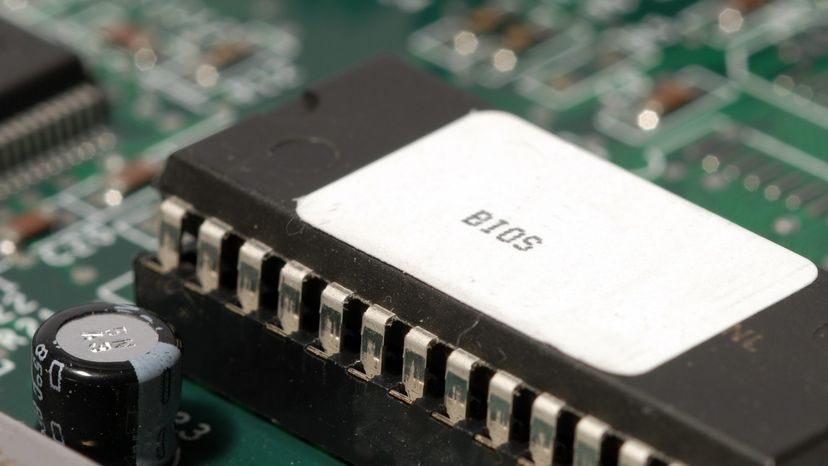
You probably don’t think about it much, but your computer relies on a tiny piece of software called the basic input/output system, or BIOS, to function. It’s stored in flash memory and sits deep in the hardware stack. Without it, the other components are just expensive paperweights.
Every desktop and laptop has a microprocessor. That’s the central processing unit. The chip itself is hardware. The instructions it follows are software. You know the big two. The operating system handles services and the user interface. Windows 98 is an old example. Linux is another. Then there are applications. These are the specific tools. Browsers. Word processors. Email clients. You install these to get work done.
But there’s a third type. A foundational layer.
The BIOS ensures all chips, drives, and ports function together.
This is where most people get confused. They think software only starts when the OS loads. That’s wrong. The BIOS is software that runs before the operating system. It’s the first thing the CPU executes. It initializes hardware. It checks if the hard drive is alive. It makes sure the CPU can talk to the RAM. It’s the translator between the physical chips and the digital world.
You don’t see it. You don’t interact with it usually. But if it fails, you don’t get a login screen. You get silence. Or maybe a beep code. Understanding how to configure it or when to update it matters more than you’d think. A bad update can brick a machine. A correct one can fix stability issues.
The next sections will break down exactly what this software does. How to change its settings. And what to do if the firmware on your motherboard gets outdated.