Routing is the logistical backbone of the internet. It selects the optimal paths to move information from sender to receiver. The term borrows from transportation logistics, but the scale is entirely different. We are talking about more than 306 billion emails sent daily. That is not a small delivery route. It is a global maze of data packets needing direction.
Without routing, your messages would bounce aimlessly until they expired. The process ensures they reach their final destination efficiently. This requires hardware. Specifically, a router.
The Router as a Network Intersection
A router sits between networks. It is subordinate to the hosts—the devices that originate and consume messages. Think of the router as a traffic cop for digital data. It maintains a routing table. This table stores the best routes to various network destinations.
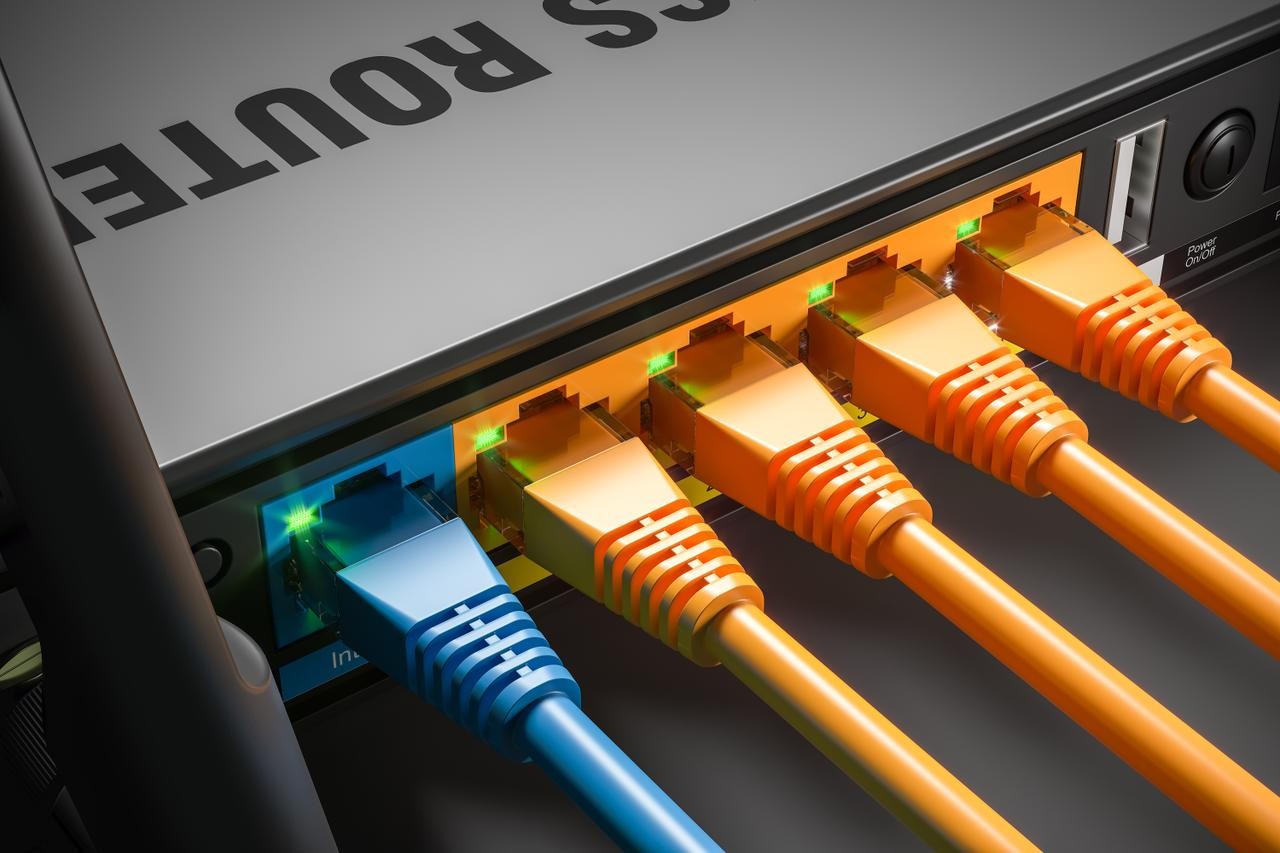
The hardware requirement is strict. A router must connect to at least two networks to function. You cannot route data within a single isolated box. It needs entry and exit points. Physically, it looks like a simple box with cables plugged in. Logically, it acts as a small computer. It processes packets and makes forwarding decisions based on its internal table.
Interestingly, you do not need specialized hardware to route. Any standard computer can become a router. The only condition is connectivity. If a PC has two network interfaces, it can bridge two networks. It can route traffic between them. This flexibility is why home networks often blur the line between modem and router. A single device handles both functions.
“A router must naturally be connected to at least two networks to function.”
This dual-connection rule is non-negotiable for standard routing operations. It defines the device’s primary purpose. Without a second interface, you have a hub or a switch, not a router. The distinction matters for network design and troubleshooting.
Why This Matters to Your Connection
When you send an email, the data is sliced into packets. Each packet travels independently. The router decides which path each slice takes. If one path is congested, the router might send another slice elsewhere. This load balancing keeps your connection responsive.
Your router’s routing table updates dynamically. It learns new paths as the network topology changes. This is not static. It reacts to failures and congestion in real-time. That is why your internet sometimes feels slower during peak hours. The routes are shifting. The table is recalculating.
Understanding this helps when connectivity issues arise. If your router loses connection to one network, routing stops. The device becomes useless for inter-network traffic. Checking physical connections is the first step. Then, verifying the routing table. Ensuring the device sees both networks.
It is simple mechanics. But it powers everything from your email to cloud storage. The complexity is hidden. The result is just data appearing on your screen. How many packets did that email actually take? You will never know. But the router made sure it arrived.
The routing table isn’t just a static list. It’s a decision engine. When data needs to move, the system doesn’t guess. It looks for the route with the longest matching prefix. That’s the most specific path available. If two routes share the same prefix length? The system defaults to the one directly connected.
Think of it as a hierarchy of specificity. The more specific the destination, the higher the priority in the lookup.
This table is built from three distinct sources. First, there are static routes. These are deliberate. An administrator configures them manually. They work well on small, stable networks where the topology rarely changes. You define the path, and it stays there.
Then there are dynamic routes. These handle the heavy lifting on medium to large networks. They update themselves automatically. They rely on routing protocols to react to changes in the network topology in real-time. If a link goes down, the dynamic protocols reroute around the block.
Finally, you have the default route. This is the fallback. If the packet’s destination doesn’t match any other entry in the table, it hits this catch-all. It’s the path of last resort, usually pointing toward the internet gateway.
The Dual Role of Network Routing
Routing does two main things. It moves data. And it protects it.
Most people only care about the first part. They want their packets to reach the World Wide Web. But the security aspect is equally critical, often operating in the background without being noticed.
Data Transmission Mechanics
At its core, routing is about guiding packets. Specifically, it manages the journey between a local network and the broader internet. To do this, it uses two categories of protocols.
Inside a single autonomous system—like your office or home network—you use an Interior Gateway Protocol (IGP). The most common example is OSPF, or Open Shortest Path First. It calculates the most efficient path within that single domain.
When crossing between different autonomous systems, you switch to an Exterior Gateway Protocol (EGP). The standard here is BGP, or Border Gateway Protocol. BGP is the glue of the internet. It announces how IP addresses map to specific networks, allowing traffic to jump between massive, separate administrative domains.
Security and Packet Protection
The hardware doing the routing—whether it’s a dedicated router or a modem with routing capabilities—adds a layer of security. It’s not just a dumb pipe. It acts as a gatekeeper.
This involves several functions. First, there’s the firewall. It inspects traffic and blocks unauthorized access. Second, there’s the proxy. It sits between your devices and the internet, masking your internal IP and filtering content.
Then there is Quality of Service (QoS). This isn’t about security in the traditional sense, but it’s vital for performance. QoS prioritizes certain types of packets. Video calls get priority over a large file download. The router decides which traffic gets the fast lane.
How the Routing Logic Actually Works
To visualize this, imagine a train conductor. The conductor checks the passenger’s ticket against the schedule. The packet is the passenger. The routing table is the schedule. The route is the track.
The process starts at the header of the data packet. This header contains the source and destination IP addresses. The router reads this header. It doesn’t care about the payload content. It only cares about where the packet is going.
Using the routing table, the router selects the next hop. It’s a rapid lookup. Millions of decisions per second.
The type of router you use matters for how this happens.
A wired router connects directly via Ethernet. It’s the physical bridge between the modem and your devices. It’s stable. It’s fast.
A wireless router, often associated with WiFi, adds another layer. It translates the wired signal into radio waves. It’s essentially a wired router with a broadcasting component. This is what you usually have at home.
Then there are virtual routers. These aren’t physical boxes. They’re software. Software-defined networking uses virtual routers to manage traffic in cloud environments. It abstracts the hardware, allowing for more flexible, programmable network management.
You might wonder if the speed of the router affects