A QR code is a 2D barcode made of black and white squares. You likely scan one daily. It looks simple. It is not.
This technology did not start in restaurants or on flyers. It began in Japan in the mid-1990s. Specifically, in 1994. Masahiro Hara, an engineer at Denso-Wave, created it. The goal was industrial, not consumer-facing. Toyota needed to track auto parts. They wanted precise data on component movement.
The code went public in 1999 under a free license. This open status allowed rapid adoption. It spread from Japan to other continents. The rise of smartphones in the early 2000s made mass use possible. Now, QR codes are standard in most countries.
How to use a QR code for daily tasks
What does a QR code actually do for you? It acts as a bridge. You scan it with your smartphone camera. The device decodes the data.
You get instant access.
– To a mobile app.
– To a specific website page.
– To a PDF file.
Marketing teams rely on this for offline-to-online transitions. A magazine ad, a poster, or a business card can redirect users. The physical print item leads to digital content. This connects two separate worlds.
The entertainment industry uses them too. When you buy movie or theater tickets, your ticket contains a QR code. It stores your specific information. Staff scan it at the gate. Your entry is verified quickly.
The shift from factory floor to smartphone screen happened because the license was free.
This accessibility changed everything. It is no longer just for car parts. It is for everyone. The next time you see those squares, you are looking at a direct link.
QR codes in the real world: health, payment, and contact tracing
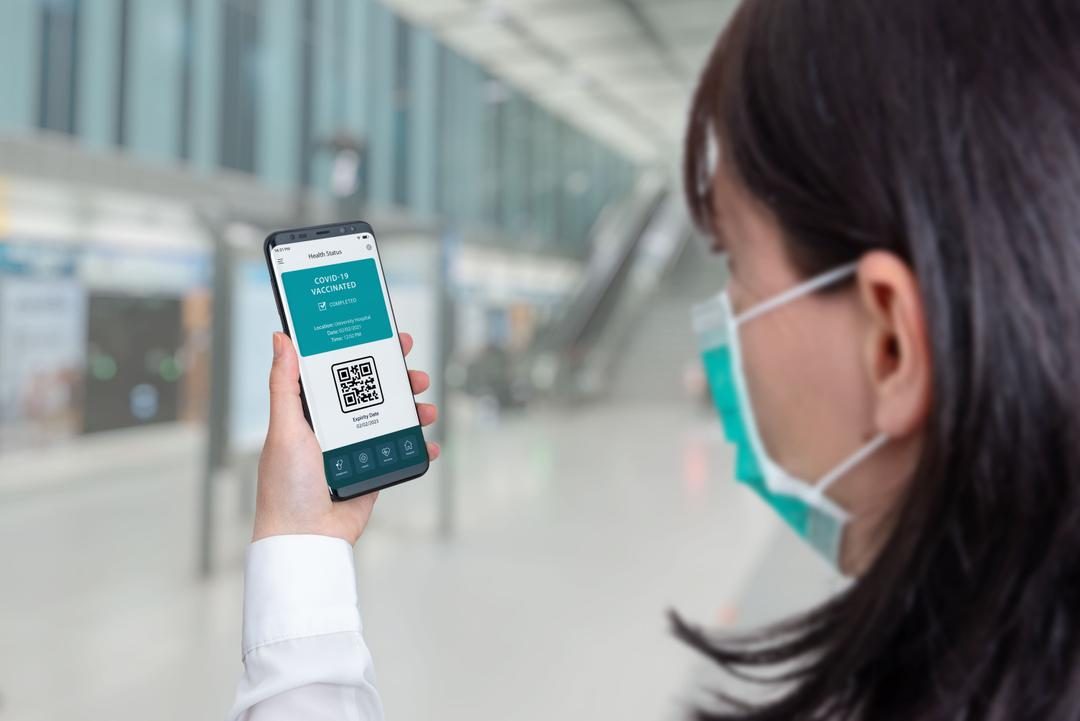
QR codes became essential infrastructure during the pandemic. Direct, low-cost, and easy to scan, they fit the requirements for limiting the spread of the virus better than almost any other digital tool. That is likely why they were chosen for the pass sanitaire framework.
The post-confine era saw a massive shift in local businesses. Cafes and restaurants swapped printed paper menus for QR stickers on tables. This was not just a convenience hack; it was a sanitary measure. The technology re-emerged with force from 2020 onwards because it allowed establishments to comply with health rules without hiring staff to hand out menus or manage physical contact.
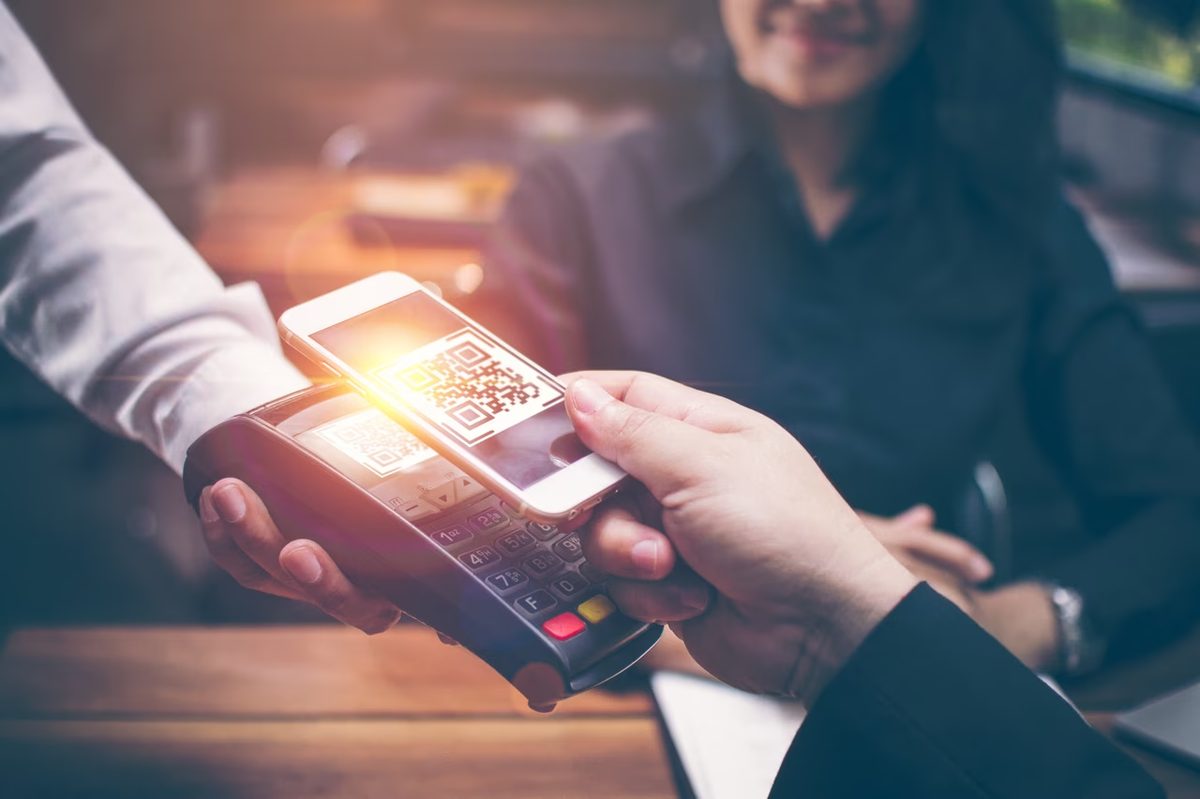
Payment options followed suit. Scanning a QR code generated by payment apps to settle a bill at a local merchant is now standard practice in many regions. The system also serves a public health function. In specific countries, Flashcode is used to trace contact cases. In the UK, restaurant QR codes were deployed to collect customer contact information during the health crisis. The core advantage here is security and flexibility. You can customize how the code is used, making it adaptable for both commercial transactions and epidemiological tracking.
How a QR code actually works
Looking at a QR code reveals a specific structure. You see three large black squares at the corners and a grid of black and white squares in the center. When a camera scans this, it does not just read the image. It analyzes the three corner squares first, which act as orientation markers. Then it breaks down the central grid.
This grid is data. The reader decodes the information and triggers an action. That action might be loading a website, displaying a document, or opening a restaurant map. The technology took off because generation is fast and reading is universal. Anyone with a smartphone can decode it. There is no need for specialized hardware, just a camera app.
Technical specs and the difference between QR and Flashcode
A QR Code is a two-dimensional barcode. It is composed of a matrix of black and white squares. Each individual point represents one bit of data. The underlying standard is ISO-defined, free of rights, and recognized globally. This is a critical distinction. Flashcode, by contrast, is only recognized by French telephone operators.
Capacity is a strong point for QR. A single standard matrix can hold up to 4,296 alphanumeric characters. The most common use case remains storing a URL. This is why you see them on billboards, product packaging, and digital menus. The visual pattern is not random; every square corresponds to a specific data point that the decoding algorithm must process.
Creating and managing your own QR codes
Generating a QR code is straightforward. You can use free websites or dedicated mobile applications. The process involves selecting a data type first. You might choose a URL link, a text message, a Google Maps location, or social media profile. Once you input the data and validate it, the system instantly generates the pattern.
Output formats vary. You can usually save the result as a .jpeg image or a .svg vector file. The .svg format is better for printing because it scales without losing quality.
For basic use, free generators are sufficient. However, if you need complex features, paid platforms offer better tools. The most valuable feature in professional settings is the dynamic QR code. This allows you to change the destination URL after the code has been printed. If a link breaks or you want to redirect users to a new page, you update the backend, not the physical code. This flexibility usually comes with a subscription cost, but it saves the hassle of reprinting materials.
Why QR codes beat traditional barcodes in data density
You’ve seen the difference in a checkout line. A standard barcode is a single row of black and white lines. It holds one string of data, usually a product identifier. That’s it. No room for a URL, no room for contact info, no room for a Wi-Fi password. It works great for scanning inventory in a warehouse or a grocery store, but its utility stops there.
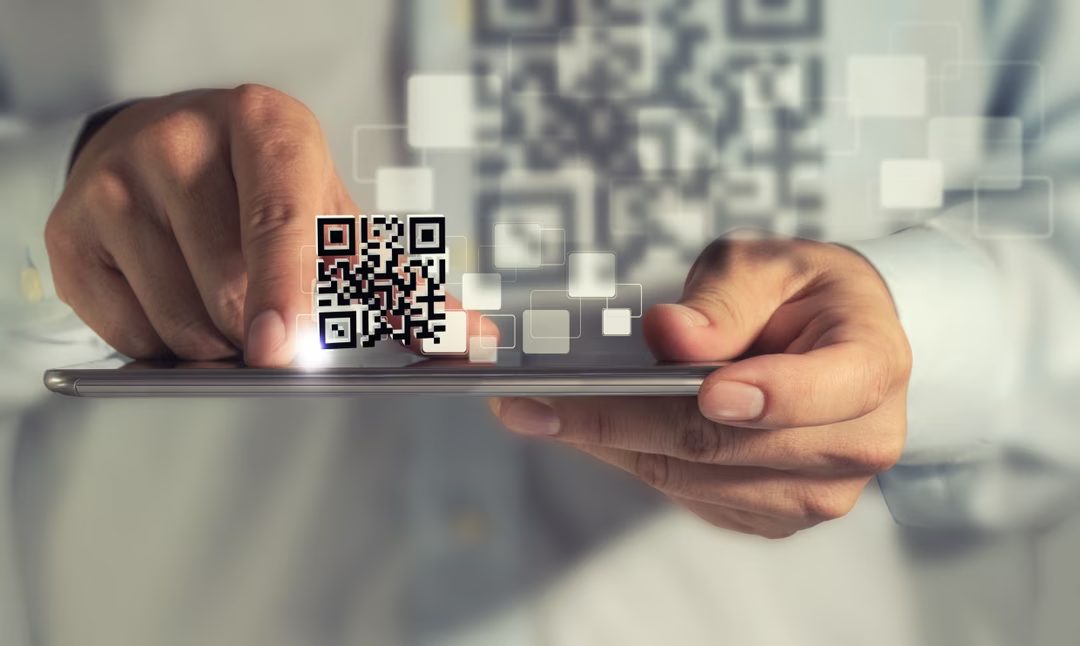
A QR code changes the equation. It’s a 2D matrix. Square. Grid-like. It packs significantly more information into roughly the same physical footprint as a standard barcode. You can generate one as easily as you print a UPC code. The production cost is negligible. It only needs to be printed in black and white, which makes it accessible for any small business owner, not just those with high-end color printing capabilities.
How security and smartphone integration improve the user experience
The increased storage capacity isn’t just about fitting more text. It allows for more robust security mechanisms. Because the code can carry more data, you can embed error correction layers that protect the information even if the print quality isn’t perfect. A smudge on a QR code is more likely to be corrected by the scanner than a scratch on a 1D barcode.
Then there’s the hardware factor. We all have the scanner in our pockets. Your smartphone’s camera is a QR reader. You don’t need a specialized laser scanner or an expensive POS terminal to read a QR code. This accessibility is the primary reason they’ve displaced 1D barcodes for consumer-facing applications. A customer doesn’t need to hunt for a scanner. They just point their phone.
QR codes trade the simplicity of a single data string for the versatility of a multi-dimensional data matrix, making them the default for digital interactions.
Which code format is right for your specific use case?
So, which one do you actually need? If you are managing inventory in a supply chain, stick with 1D barcodes. They are linear, fast to scan at a distance with dedicated hardware, and the database structure for them is mature. You don’t need the extra data payload. You just need the ID.
But if you are bridging the physical and digital worlds, QR codes are the tool. Why? Because they can hold a URL that leads to a product page. They can hold a vCard for a business contact. They can contain the SSID and password for a local Wi-Fi network. The “2D” aspect is the key. It’s not just about scanning; it’s about what happens after the scan.
The field has settled. “Code à barres 2D” is a descriptive term, but “QR code” is the product name that matters. It’s the standard. It’s what your customers expect to see on a menu, a ticket, or a business card. The technology is mature, the printing costs are low, and the scanning capability is universal. There is little reason to default to a 1D barcode when a QR code does everything a barcode does, plus a lot more, in the same amount of space.