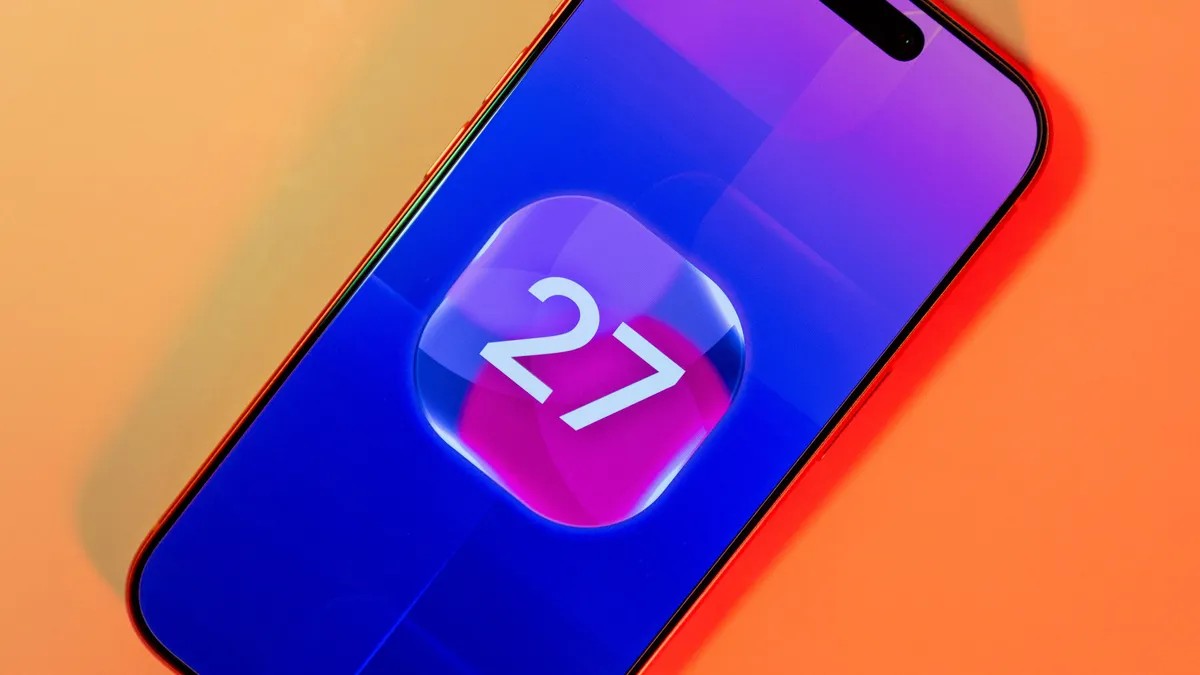
It’s Monday. The window is open. Apple dropped the first iOS 27 public update on all of us, and yes, you can grab it right now if your hardware supports it.
This isn’t just another minor tweak. It’s a preview of what’s coming this fall. And if you’re chasing that headline feature? It’s Siri AI. Or, more accurately, the new Siri.
The big promise is understanding. Screen context. Cross-app data. You want to book a flight using the calendar date and the hotel reservation from Safari? Siri aims to handle it without you jumping between tabs like a nervous rabbit. But hold up. Access isn’t automatic for everyone. Some folks might hit a waitlist.
So why bother?
Even if Siri AI stays out of reach for now, iOS 27 drags your phone into a faster gear. Apple claims apps launch 30% quicker. New photos? They load 70% faster. AirDrop transfers have sped up by an 80%. Those are big jumps for a daily driver.
You’re also getting:
– Smarter photo editing tools
– Text suggestions in iMessage
– Auto-fix for weak passwords
– Tighter child safety filters
Smoother Wi-Fi switching. Better Mail search. Native app refinements. The usual polish.
But remember: it’s beta.
Bugs happen. Batteries die faster. Apps might just refuse to open.
If you plan to do any actual work on this phone, do not install it on your daily driver without a backup. Seriously. Back it up. If you have two iPhones? Use the spare.
Here’s how to get the software. It’s free. You don’t need a developer account.
Step 1: Sign up for the program
Open Safari. Go to beta.apple.com. Sign in with the Apple ID tied to this specific device.
Never been here before? Tap Sign Up. Accept the terms. It takes ten seconds.
Step 2: Enroll your device
You’re logged in now. Look for iOS under Get Started. Hit Enroll your iOS device.
Old news? Apple doesn’t want you messing with configuration profiles anymore. The beta permission links straight to your Apple Account now. It’s cleaner.
Step 3: Turn on the toggle
Head to your Settings app.
General > Software Update > Beta Updates
Select iOS 27 Public Beta.
Can’t find the option? Check the Apple ID at the top of the list. Is it the same one you signed up with on the web? If yes, wait. Propagation isn’t instant. Sometimes Apple’s servers need an hour. Or three.
Step 4: Download and wait
Back in Software Update, you should see iOS 27 Public Beta listed.
Tap Download and Install.
Keep it plugged in. Keep it on Wi-Fi. Let it churn.
When it boots up, you’re on the inside track. You’ll feel the speed boost. You might catch the new Siri if you’re lucky.
Is it worth the headache? Maybe. Maybe not. But the question remains—
What if you break it?
Just kidding. (Mostly.) Backup first. Always.