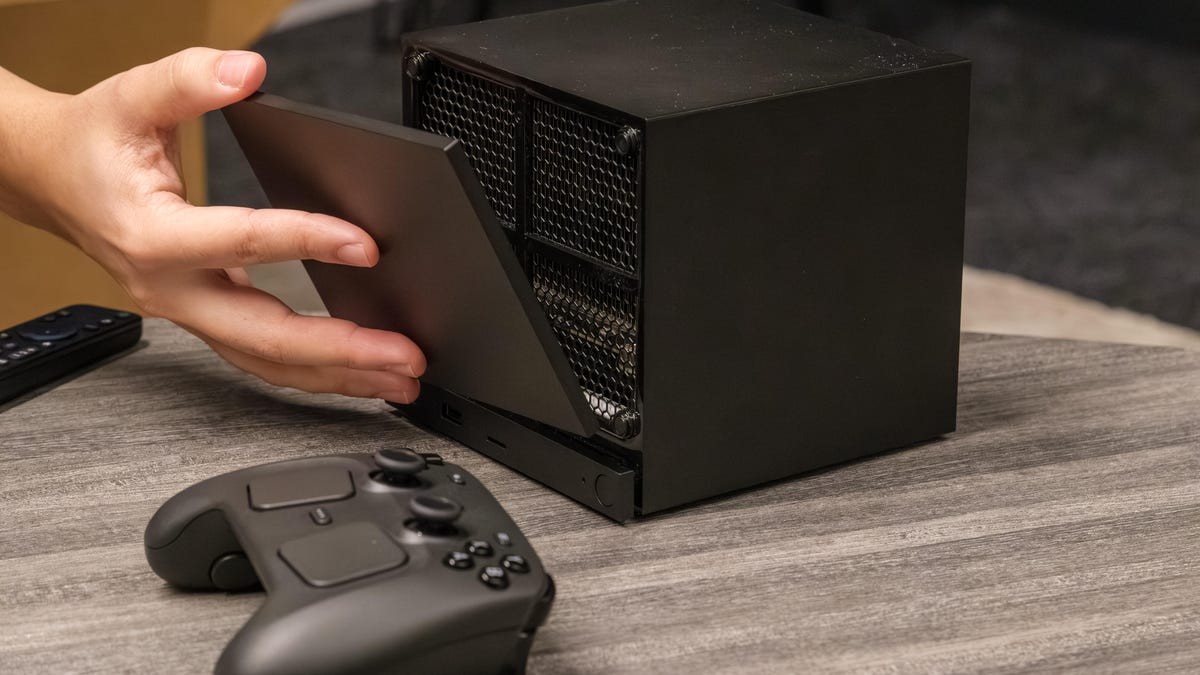
The Steam Machine exists. It brings the PC library to the couch. Console vibes without the walled garden. Good concept. Then came the price tag. $1,049 for an entry-level box? RAMageddon turned a decent idea into a premium niche.
So I asked myself. How hard is it to build this thing for free? I already had a PC. I just needed the OS.
It wasn’t perfectly smooth. There was a moment of panic. Here is how I survived it.
The Hardware Gatekeeping
Valve wants you to read their instructions. They mostly talk about the Steam Deck and ROG Ally. Portable rigs. Discrete AMD GPUs get the green light, beta-style. Nvidia? Wait a minute. They are working on it. It is not ready yet.
CPUs are more forgiving. I use a 12th gen Intel Core. SteamOS liked it.
There is a catch, though. NVMe SSD is non-negotiable. Forum threads scream this. The installer screams this. It scans for NVMe. It ignores anything else. You need that specific storage speed.
Grab an 8GB USB stick. Download the recovery image. Use Rufus if you are on Windows. Balena Etcher works for Mac or Linux users. Get the boot drive ready.
Data loss is a real thing. Not a threat. A warning.
The installer is blunt. It does not let you pick which drive dies. My machine holds Windows files, personal docs, everything. The setup process put a button under my finger that would have nuked all of it. One click away from zero.
If you want your data back, open the case. Physically unplug every drive except the one you are installing SteamOS on. Do not rely on software logic here. Use your hands.
If you built a bare-bones machine? You can breathe. No worries there.
The Wipe
Valve’s guide says look for “Re-image Device”. Lie.
That option is missing. Look for “Wipe Device & Install SteamOS” instead. Read the warning again. Really read it. Proceed only if you have unplugged your valuable data.
Click install. Watch the console run.
On my first try? Nothing happened. The window closed. Silent. No error message. Just gone. SteamOS wasn’t installed.
I ran it again. This time it finished. The screen prompted a reboot. Persistence pays off, mostly.
Booting Up
The machine restarts into SteamOS. Connect your input devices. Controller. Keyboard and mouse. I kept the desk setup.
Select language. Pick time zone. Connect to Wi-Fi.
The system updates itself. It reboots again.
Now fix the video. The image might be cut off. TVs, monitors, projectors—they all lie about resolution sometimes. Adjust the overscan until you see the full screen. Set your audio.
Log into Steam.
You land in Big Picture mode by default. Big tiles. Controller-friendly. Feels like a living room device. You can get a desktop interface. It requires a reboot. Then it feels like… Linux with Steam glued on. Games install normally. You play.
Why bother?
Windows works. I’ve loved it. I hate it sometimes too.
The pop-ups. The forced feature updates. The data tracking. Windows feels heavy now. Heavy software. Heavy CPU usage.
I tested this. Hard.
My system is CPU-bound. I swapped my Radeon RX 7900XT for an RTX 5080. Shadow of the Tomb Raider didn’t care. It capped at the processor. 1080p, highest settings. 208fps average on Windows 11.
I ran the same scene in SteamOS. Same hardware.
219fps average.
Not a revolution. A modest bump. But a bump nonetheless.
Does every game do this? No. Some will choke on Proton. Some will run slower. The beta OS is still shaky. Expect bugs. Expect quirks.
You lose some perks of the official hardware too. Lower power draw? No. Dedicated Steam Controller antenna? Forget it. Compact case? You still have your beige box.
But the CPU in that official machine is locked in. Upgradable? No.
You have an old SSD lying around? The kind not worth scalping for cash right now? Give it a try. Zero cost. Some time invested.
Maybe the framerate jump is real for your setup. Maybe it isn’t.
It’s free. The question isn’t if you can do it.