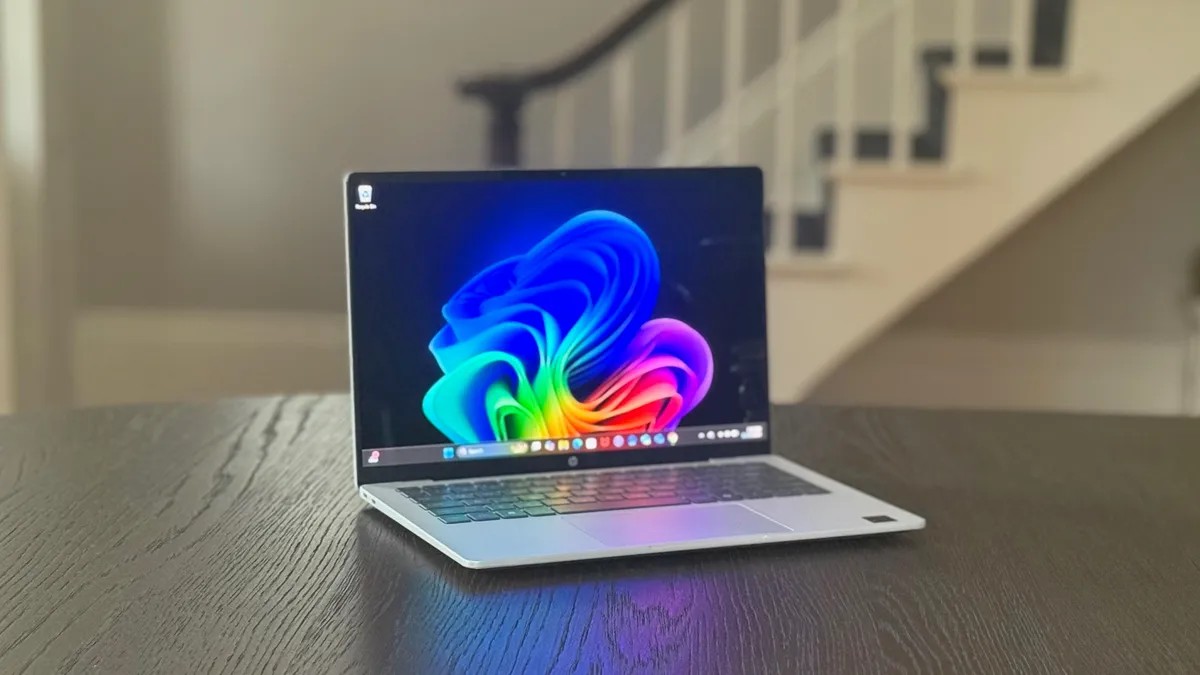
The laptop market is drowning. Models pile up faster than laundry on a Sunday, each with enough configurations to induce a migraine. It is overwhelming. We know.
Here is how you actually survive it without losing money or your mind.
Cash First
You want a new machine? Start with your wallet. Intel and PC makers keep screaming at us about the average user keeping a laptop for three years. Maybe believe them. If you have the budget, stretch it. Spend more upfront. It does not matter if you are dropping $500 or $2,000 the rule stays the same: buy the best you can afford today.
Gone are the days when you could slap a stick of RAM in yourself to fix a sluggish machine. Modern laptops are sealed boxes. Sealed. If you skimp now you suffer later.
Money buys you better parts. Better screens. Stronger hinges. Lighter weight. A keyboard that does not feel like typing on a trampoline. Do you want a powerful gaming rig for $500? Good luck with that.
Right now, thanks to what folks are calling RAMageddon, a decent reliable laptop for school or basic work costs about $1,000. Want to do creative work or play games? You are looking at $1,500 minimum. Hunt for discounts. They are out there.
The OS Gamble
It comes down to taste and how much you want to pay. Windows and macOS do the same basic stuff, but they feel different. Gaming? Windows wins. No contest. Unless you need an app that only runs on one system, pick what feels natural.
Unsure? Go to an Apple Store. Or borrow your friend’s laptop for an afternoon. If your iPhone feels right to you, macOS probably will too.
Tight budget? Look at Chromebooks. ChromeOS is… different. Check that your apps run on Chrome, Android, or Linux before buying. If you mostly browse, watch YouTube, and stream cloud games, you are fine. Otherwise, maybe look elsewhere.
Physical Constraints
Size matters. Literally. Physics is involved. You want it light? Thin? Good battery life? You usually get to pick two.
A bigger screen means a bigger battery but also a heavier chassis. An ultrathin laptop isn’t automatically light. Sometimes titanium weighs more than plastic. And remember: tiny laptops lack ports. You will need a dongle. Accept this.
The View
Screen choice is weirdly complicated. It is less about the size in inches and more about pixel density. Sharpness comes from PPI (pixels per inch). You want text that doesn’t blur when you squint.
Aim for at least 100 PPI. You can calculate this yourself using a DPI Calculator, or just trust us.
Windows and macOS scale differently, but higher resolution is almost always safer. You can zoom in on a 4K screen. You cannot zoom out on a low-res screen to fit a wide spreadsheet. That 4K 14-inch display sounds like overkill until you try to work in Excel. Then you will understand.
Need color accuracy for design work? Don’t trust the spec sheet blindly. Manufacturers omit context. Read proper monitor buying guides for creators and HDR. The “sRGB” percentage matters, but the calibration matters more.
The Engine
The CPU is the brain. For Windows, it is Intel, AMD, or Qualcomm. Naming conventions are a nightmare designed by engineers to confuse consumers. Go to their websites if you want the raw data.
General rule: faster clock speed plus more cores equals better performance. But pay attention to the class. There are chips for ultrabooks that save power by running slow. There are chips for gaming laptops that draw a lot of power and get hot. Do not mix them up.
Apple is simpler. They use M-series chips. The MacBook Neo? Uses an iPhone chip. The Air and Pro use the real Mac silicon. Current models use M5. Entry-level has an 8-core CPU and 10-core GPU. Top tier is M5 Max with 18 cores CPU and 40 cores GPU. More cores help. Always.
Graphics Cards
The GPU draws the image. It also speeds up AI tasks now, which is… convenient?
Windows laptops have two options: Integrated (iGPU) or Discrete (dGPU). Integrated lives on the CPU chip. It saves space. It drains less power. It sucks at gaming.
Discrete cards have their own memory (VRAM ). They are faster. Heavier. Hotter. Nvidia and AMD make them. Intel tries too.
Most people do fine with iGPU. You stream Netflix? You check email? Stay integrated. You edit 4K video or play Cyberpunk? You need a dGPU. Some games will flat-out refuse to launch without one.
Memory Matters
16GB of RAM is the new normal. 8GB is the bare minimum. Anything less is a trap.
RAM holds your open apps. Fill it up and the computer starts swapping data to the SSD. Slow SSDs make the system crawl. Budget laptops under $500 often come with 4GB or 8GB. Pair that with a cheap drive and you get a laggy nightmare.
Most RAM is soldered to the motherboard now. No upgrades later. If you see LPDDR in the specs, assume it is permanent.
Some makers leave a slot open for extra RAM. Maybe. Check the full specs. Ask users on Reddit. It might require a screwdriver set and a degree in electronics to reach it.
Storage
Hard drives are dead in modern laptops. Get an SSD. But not all SSDs are fast.
Cheap laptops use slow NVMe or even SATA drives. When your RAM fills up, the computer spills over to this drive. A slow drive here makes everything feel sluggish.
Buy the storage you can afford. Run out? Add an external drive. Use the cloud.
One exception: Gaming. Do not buy less than 512GB. Games are huge. Modern titles hit 150GB each. If you have a small drive you will spend all your time uninstalling games just to install new ones. Is that a hobby or a punishment?
Pick wisely. The machine you choose today defines your workflow for three years. Or four. Or five, if you baby it.
Good luck finding the perfect one. There is no such thing. Only the “least wrong” one for your specific, messy needs.