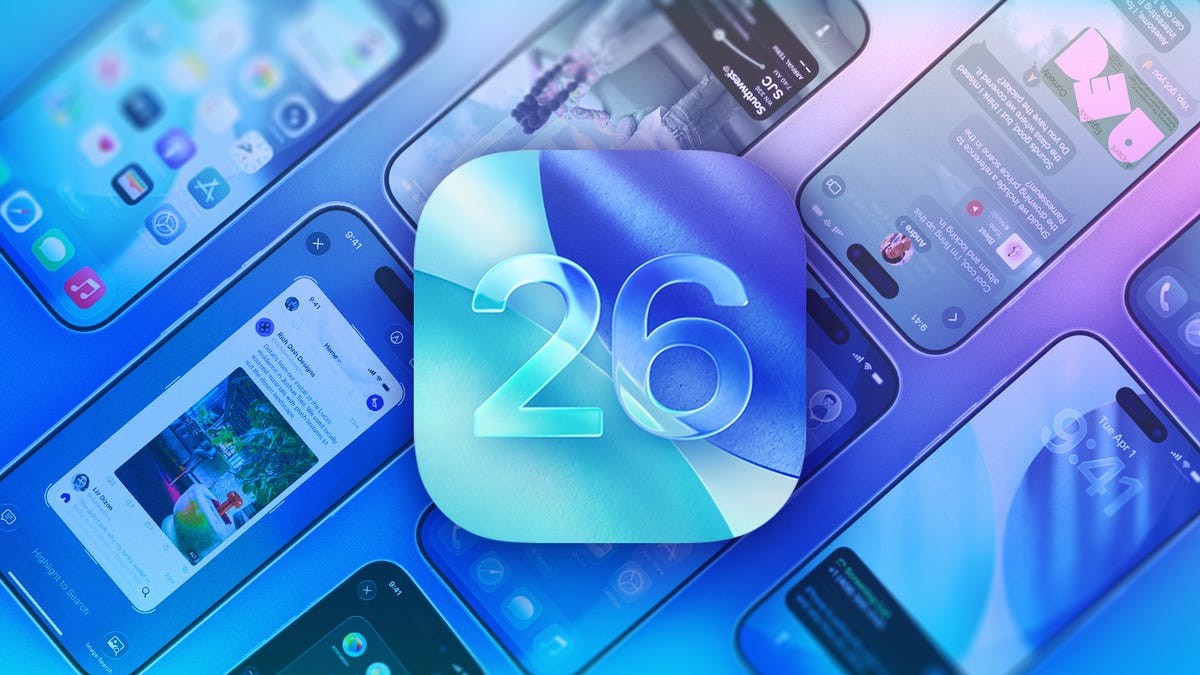
Apple’s iOS 26, released in September 2025, introduces improved message filtering capabilities designed to reduce spam and unwanted texts from unknown numbers. The update automatically screens messages from senders not in your contacts, directing them to dedicated folders. This feature streamlines inbox management and minimizes interruptions from unsolicited communications.
How the New Filtering Works
The system operates through two primary toggles within the iPhone’s Settings app: Screen Unknown Senders and Filter Spam.
- Screen Unknown Senders: Filters messages from numbers not recognized in your contact list. This can include legitimate communications from new acquaintances or services, so periodic review is recommended.
- Filter Spam: Leverages on-device detection to identify and isolate potential spam messages, moving them to a separate folder. Messages in the spam folder are automatically deleted after 90 days.
Enabling the Features
To ensure these filters are active:
- Open Settings.
- Tap Apps.
- Select Messages.
- Under Unknown Senders, verify that both Screen Unknown Senders and Filter Spam are toggled on.
Accessing Filtered Messages
Filtered messages are not lost; they’re organized into separate folders accessible within the Messages app. To view these folders:
- Open Messages.
- Tap the inverted pyramid icon in the top-right corner of the screen.
- Select from folders like Unknown Senders, Transactions, or Spam to review filtered content.
Managing False Positives
While effective, these filters can occasionally misclassify legitimate messages. To correct this:
- For Spam: Long-press the message and select Remove from Spam.
- For Unknown Senders: Open the message and tap Mark as Known, which prompts you to add the sender to your Contacts.
Why This Matters
The proliferation of spam and phishing texts has made inbox management increasingly challenging. Apple’s filtering system addresses this issue directly, reducing the burden on users to manually identify and block unwanted communications. This is a response to growing consumer frustration with unsolicited messages, as well as increasing awareness of scam tactics delivered via text. The system is not foolproof; legitimate messages can sometimes be filtered, so occasional review of the Unknown Senders folder is advised.
These filters are remarkably effective, and most users will likely find they rarely need to manually adjust the system.