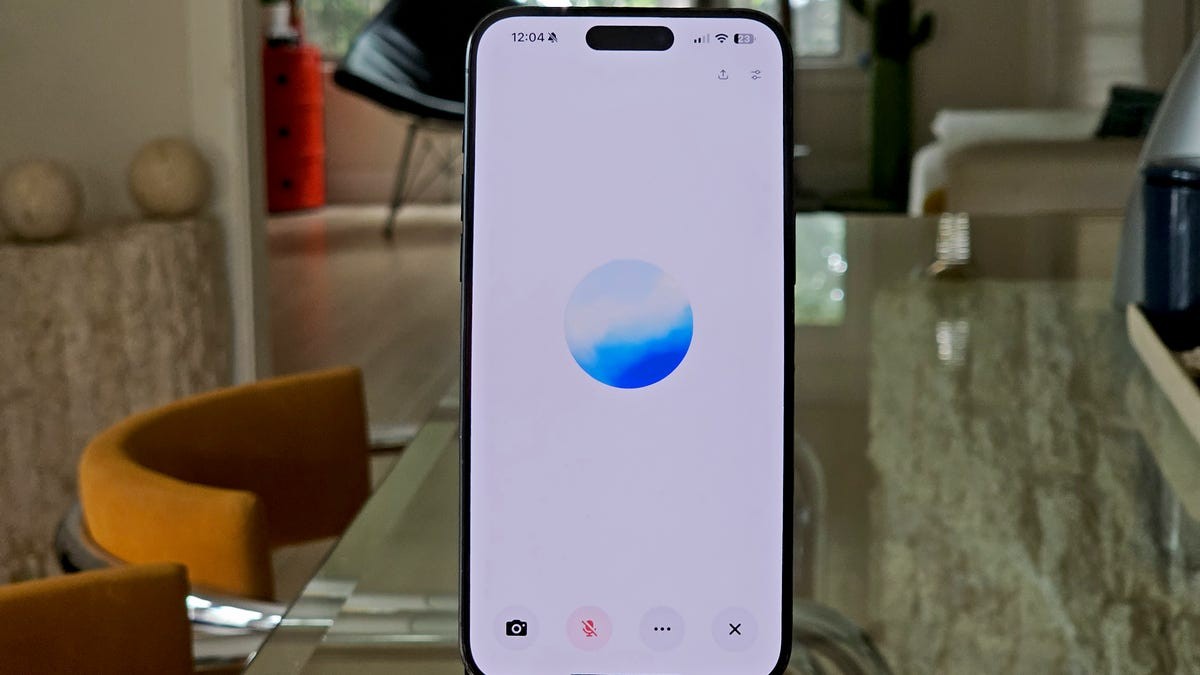
For years, most users have treated ChatGPT as an advanced search engine – type in a query, wait for a text response, and repeat. But increasingly, ChatGPT’s voice mode is changing how people interact with AI. Speaking to the chatbot instead of typing delivers faster, more natural conversations and often better results.
The feature isn’t simply speech-to-text; it feels like a fluid dialogue. The AI intelligently anticipates your speech, tolerates pauses and filler words, and doesn’t falter with imperfect phrasing. Users can leverage this while cooking, driving, or multitasking, speaking freely without meticulously crafting each word.
This shift matters because it removes a major friction point in AI interaction. Typing slows down thought processes; speaking allows for real-time brainstorming and problem-solving. This is especially crucial for users who struggle with typing, have disabilities, or simply prefer a more intuitive experience.
Beyond ChatGPT: A Growing Trend in Conversational AI
ChatGPT isn’t alone in offering voice capabilities. Google’s Gemini Live and Anthropic’s Claude also feature hands-free interaction. Perplexity even integrates voice commands to launch external apps like OpenTable or Uber. However, ChatGPT remains a dominant choice for many.
The race to perfect real-time AI conversation is underway, but early adopters already see the benefits. Voice mode isn’t just faster; it’s more accessible and efficient for many users.
What is Voice Mode, Exactly?
ChatGPT’s voice mode allows you to speak to the AI and receive audible responses without typing. The feature is activated via a microphone icon in the mobile, desktop, and web apps. Once engaged, the AI transcribes your speech, processes it, and replies in real time.
There are two tiers:
- Standard Voice (free): Converts speech to text before processing, with slightly longer response times.
- Advanced Voice (paid): Utilizes multimodal models that “hear” and generate audio natively, enabling faster, more natural conversations with contextual awareness. Free users can preview Advanced Voice daily.
Seven Reasons to Start Using ChatGPT’s Voice Mode
- Natural Conversation: The feature embraces casual speech patterns (“umms,” “likes,” pauses) for a more human-like exchange.
- Hands-Free Operation: Enables multitasking while interacting with the AI.
- Language Learning: Facilitates real-time translation and pronunciation practice.
- Real-World Analysis: Advanced Voice can identify objects in images captured via your device’s camera.
- Accessibility: Provides an alternative for users with low vision, dyslexia, or motor-skill challenges.
- Faster Brainstorming: Allows for quicker idea generation by eliminating typing as a bottleneck.
- Instant Summaries: Converts documents into audio summaries for convenient listening.
The takeaway is clear: voice mode isn’t just a gimmick; it’s a fundamentally better way to use ChatGPT for many tasks. Whether you’re translating signs, brainstorming ideas, or catching up on news, speaking to the AI feels less like using a chatbot and more like having a conversation with an expert.